

Video shoot
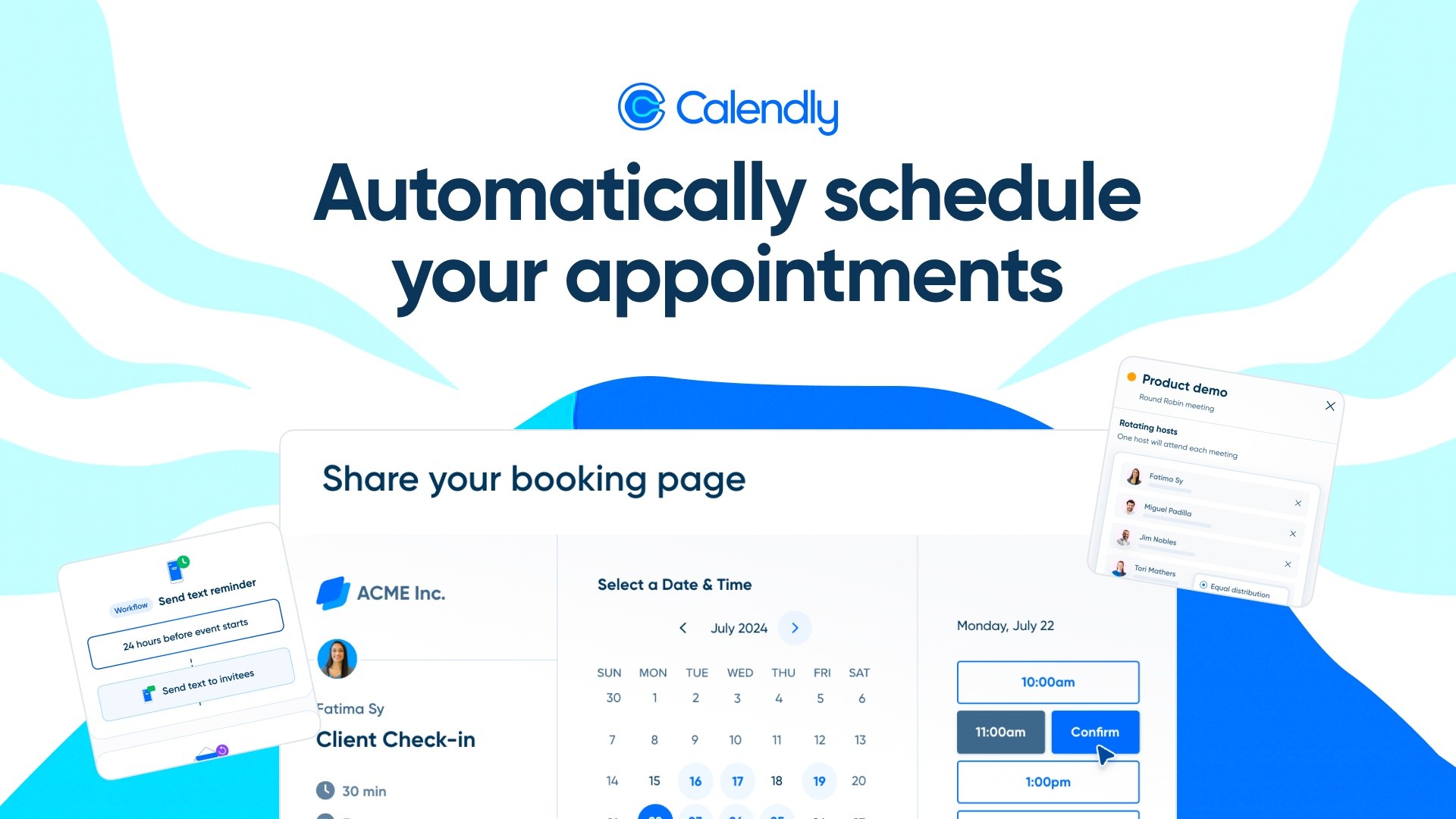
Calendly, the automated scheduling application, entrusted us with the production of a tutorial video combining live action and motion design.
🎯 Objective: Guide users step by step in using the application by highlighting its essential features, thus making appointment booking and professional calendar automation easier.
🎥 An Educational and Immersive Format
We designed a dynamic and intuitive video, incorporating:
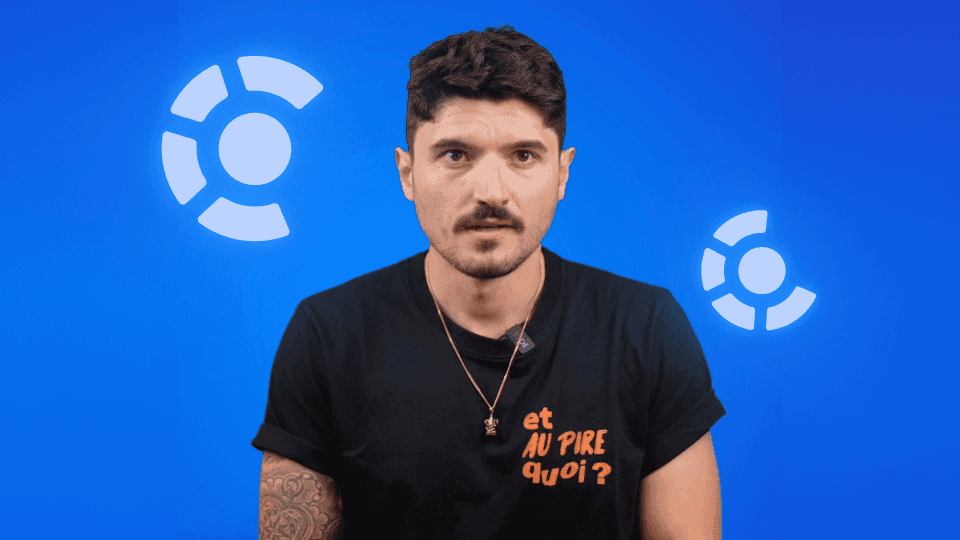
✅ Filmed sequences with a real user to illustrate concrete use cases
✅ Smooth motion design elements to enrich and contextualize the explanations
✅ Highlighting Calendly’s key steps:
Account login and initial setup
Event creation and availability management
Synchronization with other professional tools
Thanks to this hybrid approach, understanding is immediate and the user experience is optimized.
🚀 Clear and Engaging Storytelling
🔹 Dynamic and instructional voice-over for smooth guidance
🔹 Polished transitions and interactive animations to captivate the audience
🔹 Impactful visual demonstrations to make learning intuitive
🌍 Strategic Distribution for Maximum Accessibility
Designed to be a go-to tool, this video is optimized for:
🔹 Calendly’s website to help new users
🔹 The YouTube channel and online help resources to maximize visibility
🔹 Customer support materials to reduce the support team’s workload
Thanks to this tutorial video, Calendly improves the user experience, accelerates adoption of its application, and reduces the need for technical support.
🎯 Objective: Provide a visual and interactive guide to Calendly users through a tutorial video combining live action and motion design for a quick and intuitive onboarding experience.
💬 Our other projects: